One thing.
Not one hundred.
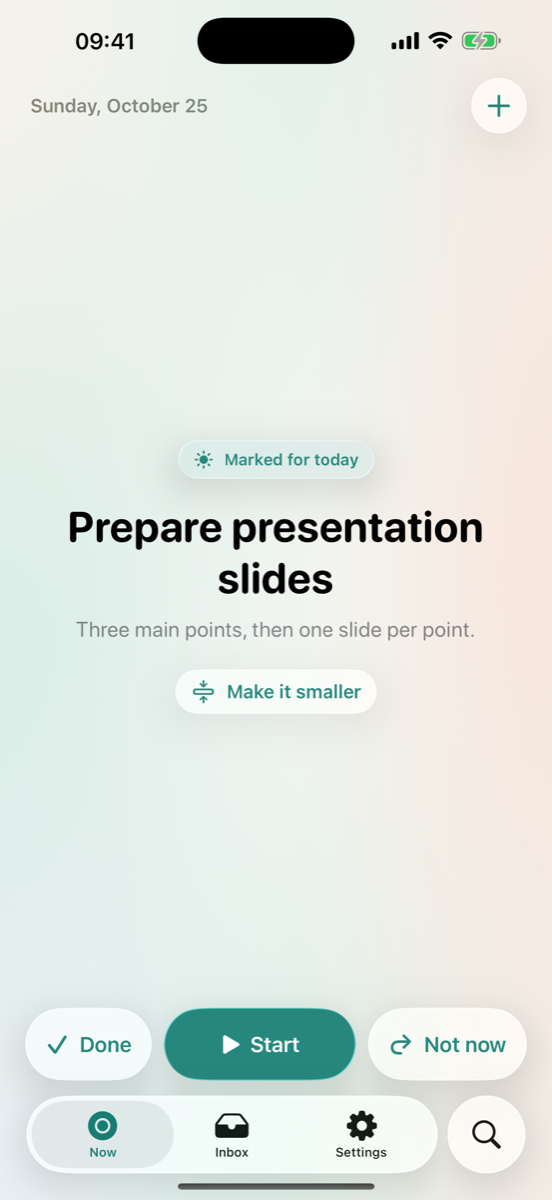
Write down what's on your mind. OneThing shows you one task to start with, and why it's the one.
OneThing for Android
See your next task, make time for a routine, or start a focus timer. OneThing adapts to phones, foldables and tablets, with colors that can follow your wallpaper.
Add tasks from Quick Settings and see your current task in a home screen widget. Set up calendar alerts and routine reminders when you need them.
Google Play release in preparation.
Android support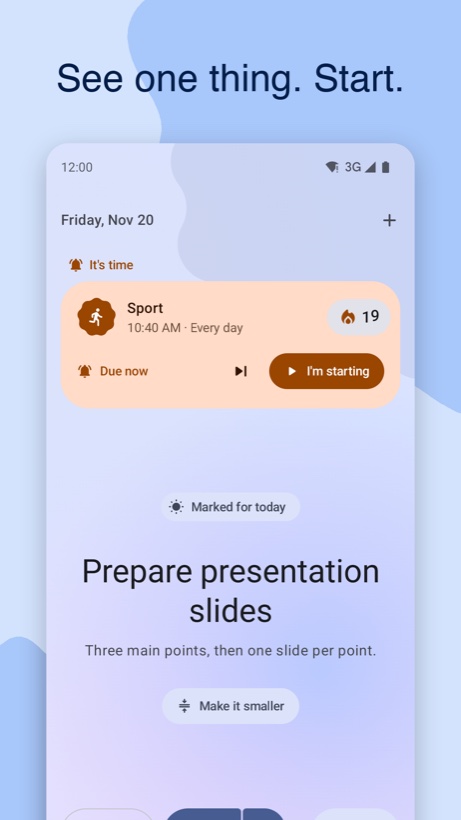
Start, instead of planning.
Capture in seconds.
Just a title. Dates, notes and reminders are there when you want them, never required.
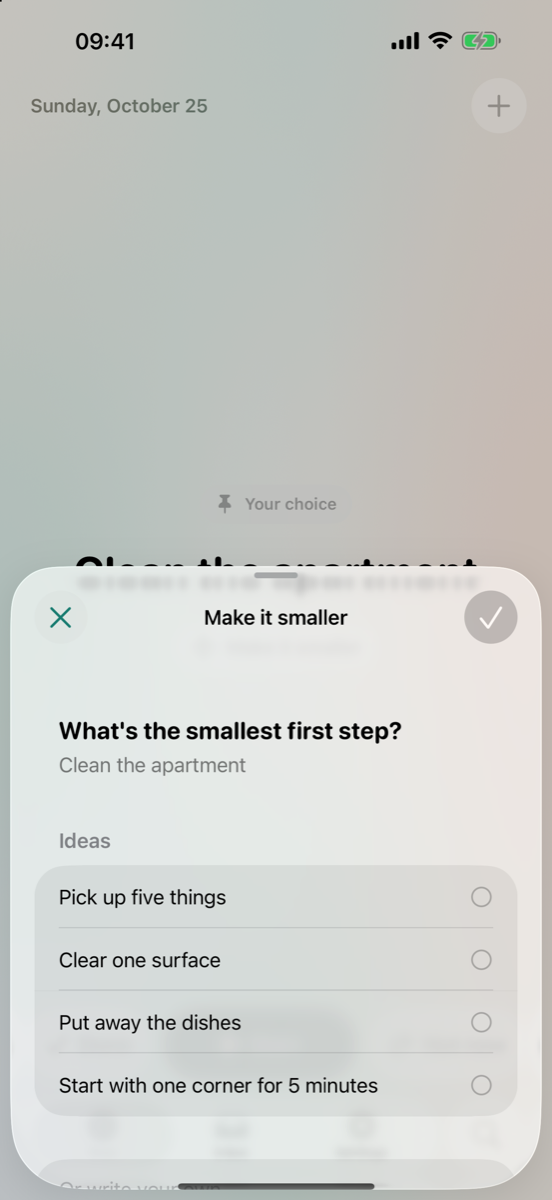
Make it smaller.
When a task feels too big, get a tiny first step, like “Clear one surface”. Made on your device from built-in ideas.
Focus, your way.
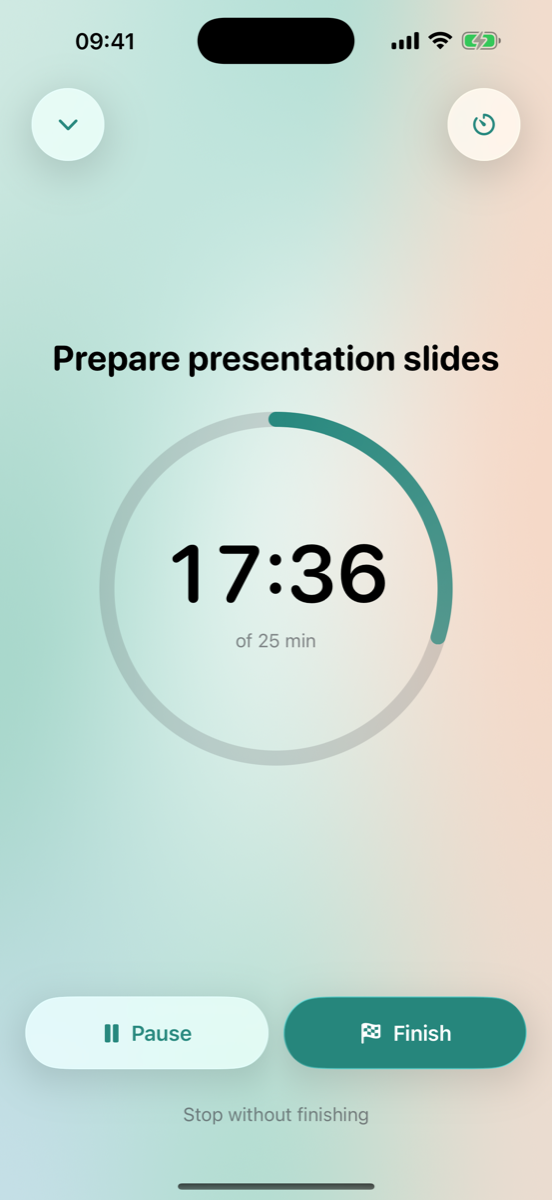
Start with or without a timer. Follow the timer from a notification on Android or a Live Activity on iPhone.
No guilt.
Skip without judgment.
Rest a task until later, tomorrow or someday. Skipped tasks step back instead of nagging.
A fresh start for tasks.
Nothing is ever “overdue”. Come back after a week and your one thing is simply waiting.
Explains itself.
Every suggestion says why it was chosen, from simple rules you can read. You can always pick another.
Private. Free. No account.
On your device.
Tasks are stored locally. Apple devices can sync through your private iCloud, and Android can restore your tasks from your system backup.
Nothing to sell.
No ads, no subscriptions, no in-app purchases, no analytics, no tracking.
Your data, your call.
Use your device’s app unlock options, hide task names in notifications, and export your data as JSON or CSV.
Everywhere you need it.
Widgets
See your current task on the Home Screen and add a task without opening your list.
Siri and Shortcuts
“Add a task to OneThing.” “What's my one thing in OneThing?” “Start focusing in OneThing.”
iPhone and iPad
With Dark Mode, Dynamic Type and VoiceOver support.
OneThing is a simple productivity app. It isn't a medical device and doesn't diagnose or treat any condition.